
Checking Criminal History in Bayfield
Start with the event, not just a name. Bayfield Police holds the incident or arrest report it created. The Bayfield Municipal Court clerk holds town summons and docket material. La Plata County keeps the separate booking and state-court records that may follow. The Colorado Bureau of Investigation, or CBI, maintains the statewide criminal-history product. Each source answers a different question, so a careful Bayfield criminal records search uses the narrowest office first and moves outward only when needed.
- Ask Bayfield Police whether it created the incident or arrest report, then use its form with state identification.
- Choose the report type and delivery method, and give enough incident detail for the records technician to locate it.
- Contact the Bayfield Municipal Court clerk for a town citation, hearing date, disposition, or copy because no public online town docket was verified.
- Use the La Plata County jail and court channels when the event produced a county booking or state charge.
- Use CBI ICHC for a paid, Colorado-only name check when a broader state history is needed.
A no-result answer at one level does not clear the others. A Bayfield report can exist before any charge is filed, and a municipal ticket will not appear as a county felony file. Likewise, CBI exclusions and timing rules mean its result is not a copy of every police or court record.
Two Bayfield Record Desks, One Address
Bayfield Police and Municipal Court share 1199 Bayfield Parkway, PO Box 80, Bayfield, CO 81122. That common address is convenient, but it can also hide a key records difference. Police staff manage reports, evidence, and case-management material. The court clerk manages the municipal case file. Both the records/evidence technician and court clerk use extension 110, so state whether the request concerns a police incident or a court case when calling 970-884-9636.
The Town of Bayfield department directory shows the police and court route in one official place.
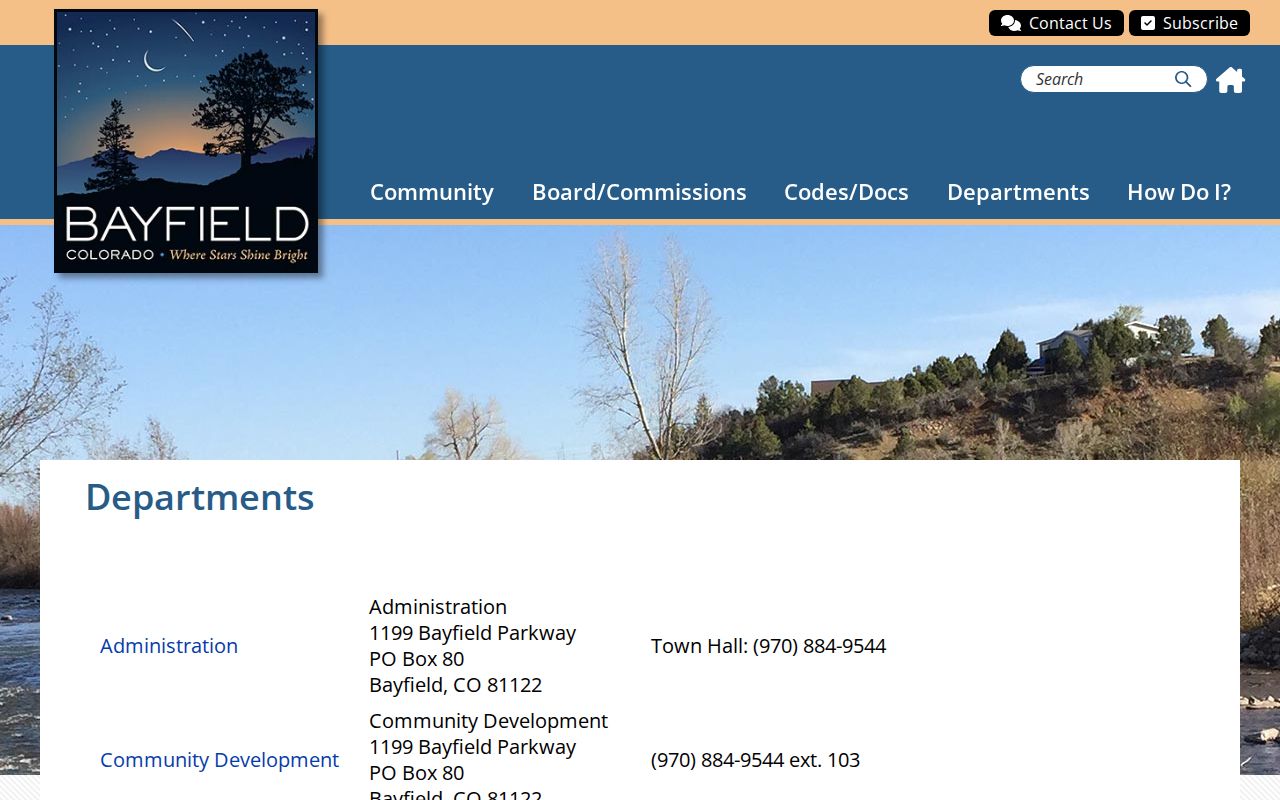
The directory view reinforces why the requester must name the desired file even when both offices share the Parkway location.
Town Hall hours are Monday through Thursday, 9 a.m. to 4 p.m., and Friday, 9 a.m. to noon. The short Friday window matters for counter service. A person who cannot arrive then can use the police email channel, mail to the post office box, or call the clerk before making the trip.
Bayfield Police Department Records
The Bayfield Police Department describes eight officers serving about 2,600 town residents while assisting a wider community of roughly 7,700. A town overview reports about 4,500 calls each year and identifies a civilian employee responsible for records, evidence, and case management. That local structure makes the records technician the practical point of contact for Bayfield criminal records, rather than a remote county desk.
The official Bayfield Police page provides the department context and direct town route.
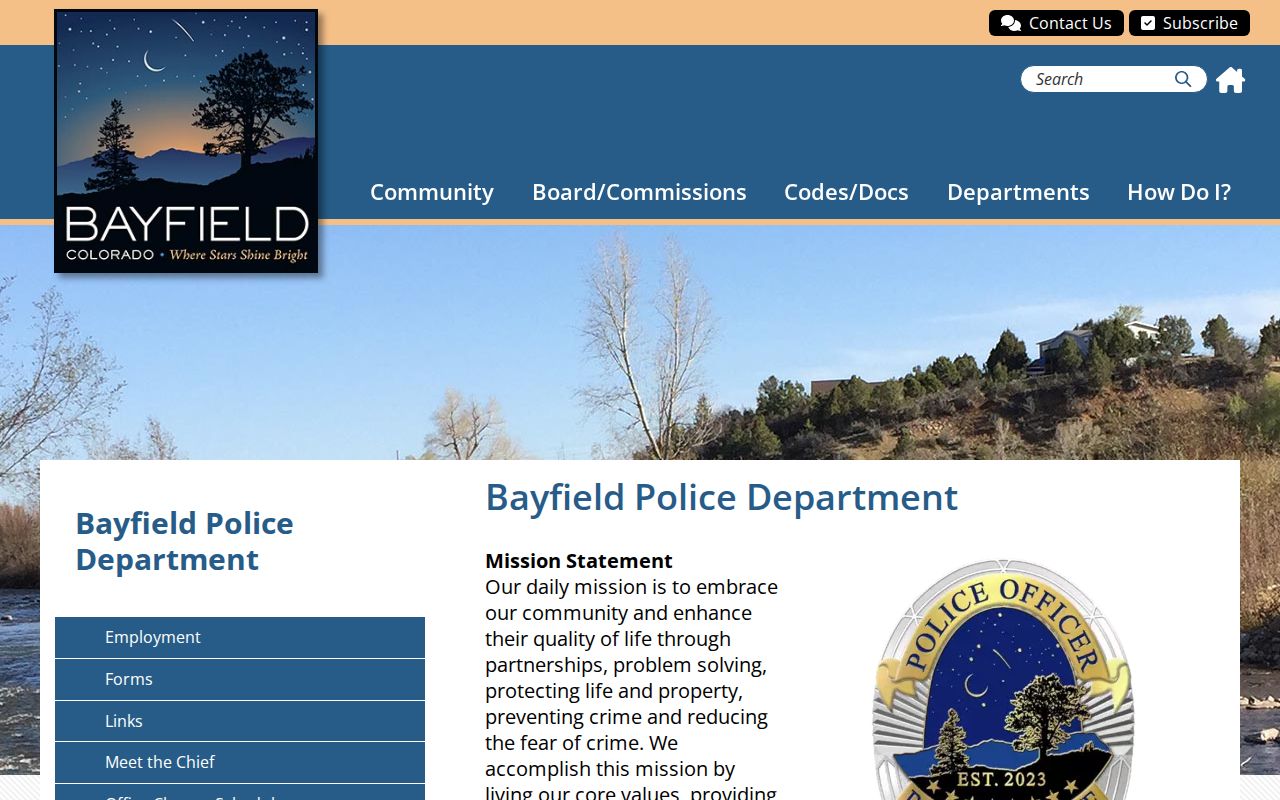
The police page links the town office to the report process, while shared 24-hour dispatch remains a response line rather than a public records database.
Call 970-884-9636 for the front office. For events in progress or after-hours non-emergency response, shared dispatch is 970-385-2900. Dispatch may help identify an event, but it does not replace a signed records request. Ask the technician for the report itself and use dispatch only for its proper communications role.
Bayfield Criminal Record Request Form
Bayfield’s police form is more than a short name-search box. Attach state-issued identification, mark either “Incident Report” or “Other,” and describe the requested item. The form collects requester contact details, incident facts, delivery choice, signature, and date. It also includes a no-solicitation affirmation. Office-only fields show whether access was granted or denied, the amount charged, the legal ground for a denial, notes, and technician certification.
The town’s police records request instructions explain the process and link the form.
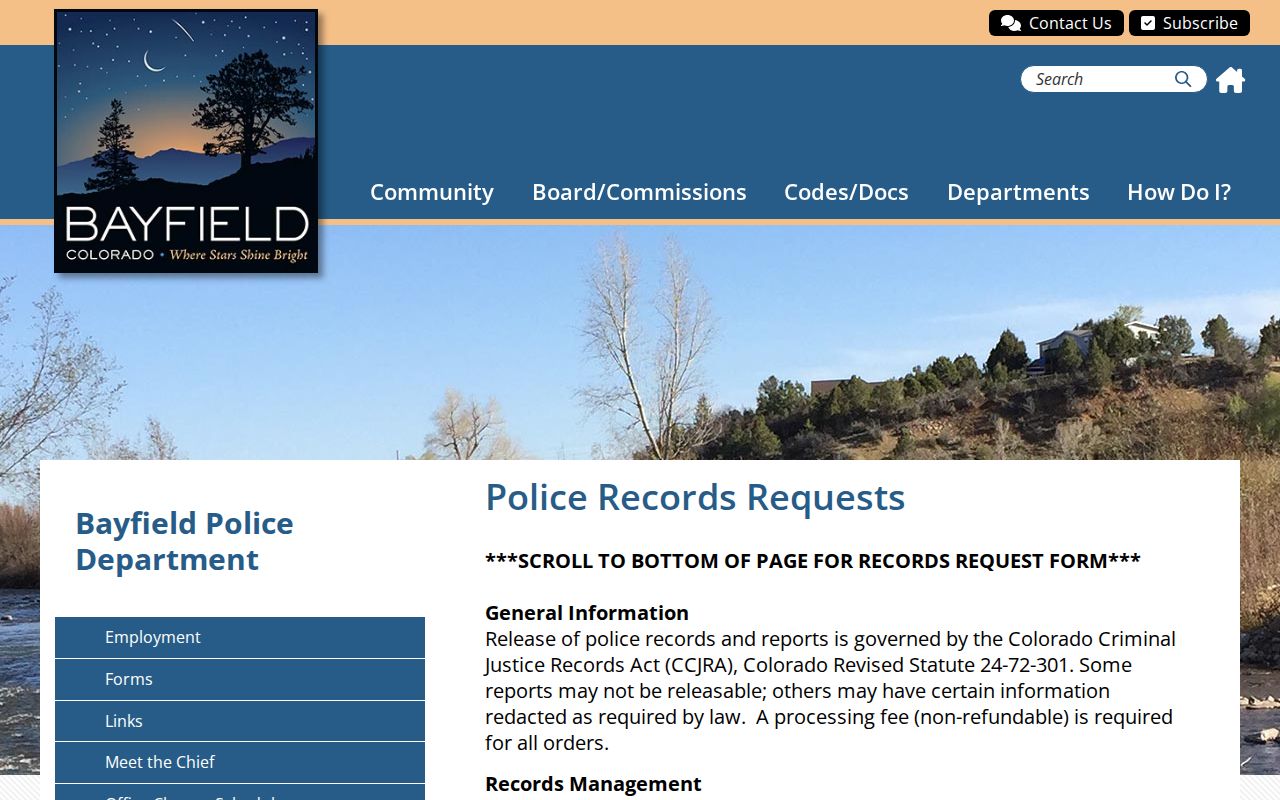
The captured form shows why a clear incident description and chosen format can reduce staff research and avoid a delay.
| Delivery choice | Town charge or rule |
|---|---|
| Page cost is waived | |
| Flash drive | $10 |
| Paper | $0.25 per page |
| Copy charges plus postage | |
| Research after first hour | $33.58 per hour |
| Digital compilation | $33.58 per hour plus media |
Fees are due when the request is made. Emailing the completed form or delivering it at the counter are the stated channels. A request for the wrong agency’s file may still fail, so confirm that Bayfield Police created the record before paying for staff work.
Bayfield Arrests and Bookings
Bayfield has no verified public city-jail roster. When Bayfield Police makes a custodial arrest, booking routes into the La Plata County system. The police arrest report remains a town record, while the jail creates a different custody entry with booking facts, photograph, fingerprints, and status. For current custody, use the county detention channel. The full set of county routes is covered in the La Plata County arrest lookup.
State charges can also produce a District or County Court case in Durango. Prosecutors may file charges that differ from the officer’s initial booking description. For that reason, a Bayfield arrest record should not be read as the final case outcome. Check the clerk’s file for the charge as filed and the disposition.
Bayfield record flow: Bayfield Police › La Plata County Detention › La Plata County Courts › Colorado Bureau of Investigation.
Each step creates its own record. The town report explains the police event, detention confirms custody, the court records the prosecution, and CBI may later connect fingerprint-supported arrest and disposition data.
No Bayfield City Jail Search
A missing town roster is not evidence that no arrest occurred. It means Bayfield does not publish a verified city custody lookup. Begin with the county detention channel when someone was taken into custody. If the person later entered state prison or qualifying state supervision, switch to the Colorado Department of Corrections Offender Search rather than continuing to query town staff.
This split also matters for copies. Bayfield Police can answer for its report, but detention staff answer for the booking file. Court staff hold the later case. Calling the police front office for all three records may add delay because the department does not become custodian of county jail or court documents merely by making the arrest.
Note: Shared dispatch at 970-385-2900 can route a response, but it should not be treated as a Bayfield criminal records search line.
Municipal Court Records in Bayfield
Bayfield Municipal Court hears traffic, parking, animal, and other minor offenses under town law and the Model Traffic Code. It does not hear civil cases or felonies. Judge Shawn Davlin has served since 2021. Court meets on the third Thursday of each month at 9:30 a.m. in the Town Hall Board Room, and the clerk is reached through extension 110.
| Court Name | Bayfield Municipal Court |
|---|---|
| Case Types Heard | Town and Model Traffic Code matters, including traffic, parking, animal, and other minor offenses |
| Case Lookup Channel | Clerk at 970-884-9636, extension 110, or the Town Hall counter; no verified public online docket |
| What the Docket Shows | Town citation, settings, case activity, and disposition held in the municipal file |
| Copies & Fees | Ask the clerk for the current copy method and charge; the research does not document a separate court-copy fee |
Payment channels include mail, the Town Hall or Police counter, and the phone extensions specified by the town. Payment access is not the same as a public case search. For a docket check or copy, give the clerk the defendant name and citation or case number if known.
Bayfield Town Case or County Case
The issuing authority and charge type determine where a file sits. A Bayfield ordinance or Model Traffic Code citation may stay with Municipal Court. A Colorado misdemeanor, felony, or related preliminary proceeding goes to La Plata County or District Court. The downtown Durango clerk at 1060 East Second Avenue, Room 106, holds those state case files and can be reached at 970-247-2304.
The Colorado Judicial Branch docket displays only a one-week view. It is useful for a near-term setting, but it is not a complete name-based archive. When an older Bayfield case is absent online, contact the La Plata clerk for a broader search, register of actions, inspection, plain copy, or certified disposition. The separate La Plata County criminal court cases resource explains that county file in more depth.
A booking charge and filed charge may differ. Use the municipal or county court disposition, not the arrest line, to learn how a case ended.
Where Bayfield Criminal Records Go
A Bayfield incident begins with the police report. Custodial booking adds fingerprints and a jail record at La Plata County. A town citation creates a municipal file, while a state charge creates a County or District Court file. Courts later report qualifying dispositions for the state history maintained by the Colorado Bureau of Investigation.
Record flow: Bayfield Police Department › La Plata County Courts › Colorado Bureau of Investigation, Biometric Identification and Records Unit.
CBI’s Internet Criminal History Check is a paid, Colorado-only name search. It can contain fingerprint-supported arrest cycles, charges, court dispositions, correctional entries, and a current registered-sex-offender notation. It excludes sealed records, juvenile arrests, certain traffic arrests, warrants, and arrests lacking fingerprint support. A match is not a police report, and common names require care.
For a recent Bayfield event, start locally. For the filed result, ask the right court. Use ICHC only when the question calls for the broader state repository view.
Older Bayfield Marshal Records
Ordinance 489 renamed the Bayfield Marshal’s Office as the Bayfield Police Department during the town’s 2025–26 structural change. Current requests should go to the Police Department, but “Marshal” remains a useful search term for older minutes, retention listings, policies, and archived town material. The change in title does not move those records to La Plata County.
When describing an older event, include both names on the request if the date spans the transition. This small step can help the records technician identify a file indexed under the former agency title. It also prevents a false conclusion that an older marshal entry belongs to a different law-enforcement body.
Reading Bayfield Police Activity
An official February 2025 report listed 436 events, including 114 traffic stops, 117 extra patrols, and 52 school-security checks. February 2024 listed 139 events and 54 traffic stops. Those figures describe agency activity, not 436 crimes, arrests, or convictions. Extra patrol and school-security entries show why raw event totals should never be converted into a crime claim.
For agency and year offense counts, use the CBI Colorado Crime Statistics dashboard and keep the scope label intact. Data may change as agencies submit and validate it. A police count should remain a Bayfield Police count, not a La Plata County rate, and a reported offense should not be presented as a court finding.
Note: The event date, reporting agency, and measure used are as important as the number when interpreting Bayfield criminal record statistics.
Public Access Rules in Bayfield
Bayfield Police criminal-justice records are governed by the Colorado Criminal Justice Records Act, or CCJRA. The law distinguishes records of official action from other criminal-justice records and allows lawful limits, including privacy, safety, active-investigation, and protected-person concerns. A redaction removes protected content while releasing the rest when feasible. A denial should identify its legal basis through the form’s office section.
Other town administrative records can fall under the Colorado Open Records Act, or CORA. The label on the request does not control the law; the content and custodian do. Police reports should follow the police CCJRA route, while a general town policy or council record may use the town’s public-record channel. Sealed records and juvenile information remain restricted even when related public material exists elsewhere.
Key Statutes:
C.R.S. §§ 24-72-301 through 24-72-309 establish the CCJRA rules for access to Colorado criminal-justice records.
C.R.S. § 24-72-303 addresses the inspection of records of official action.
C.R.S. § 24-72-305 governs inspection decisions and restrictions for other criminal-justice records.
Requesters should give a narrow date range, incident number when known, involved name, and the exact record sought. Narrow requests reduce search time and help the technician apply the correct release rule without treating every Bayfield file as one broad criminal history.